

What is Alibaba Cloud?
Alibaba Cloud is a cloud computing service provider from Alibaba Group, offering a wide range of cloud solutions, including data storage, databases, networking, artificial intelligence, and security. Known as one of the largest cloud providers in Asia, Alibaba Cloud provides infrastructure and digital tools for businesses to efficiently build and manage scalable applications.
Create Instance
- Select Operating System.
- Choose Ubuntu.
NOTEI Use Ubuntu V.16.04 64bit.
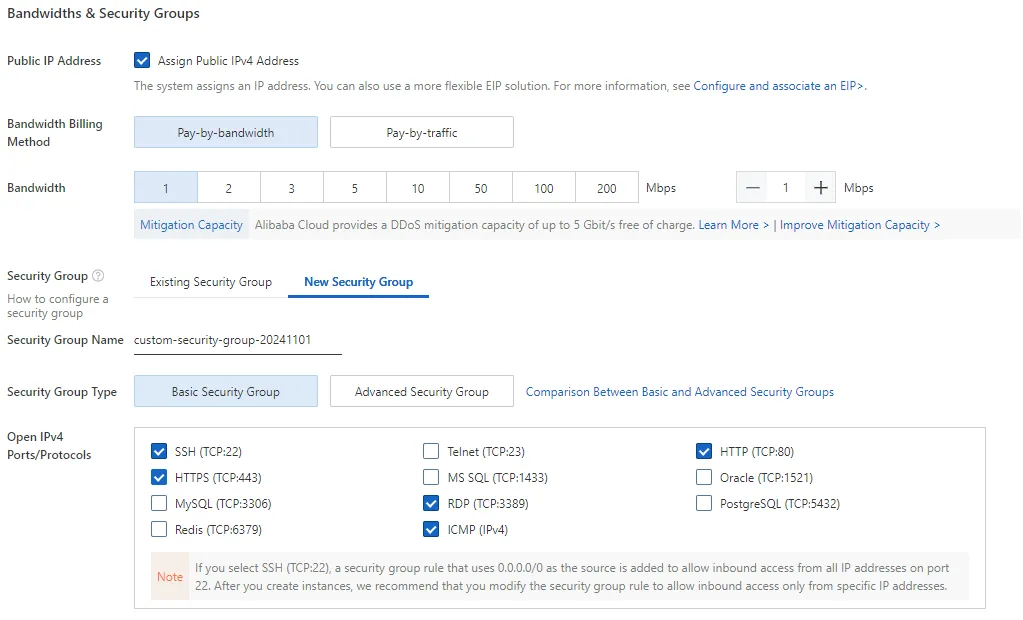
Security Group
IMPORTANTOn security group try enable or check the HTTPS (TCP:443) and HTTP (TCP:80)
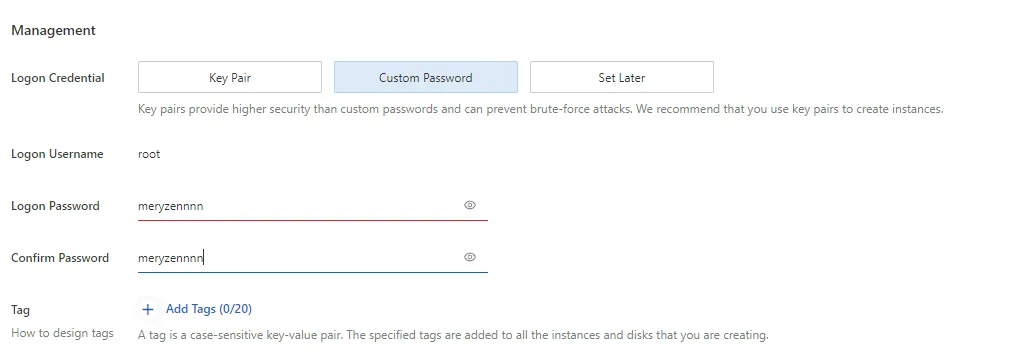
Management
- Logon Credential you can choose custom password
- You can finish your order
ECS
Use ssh
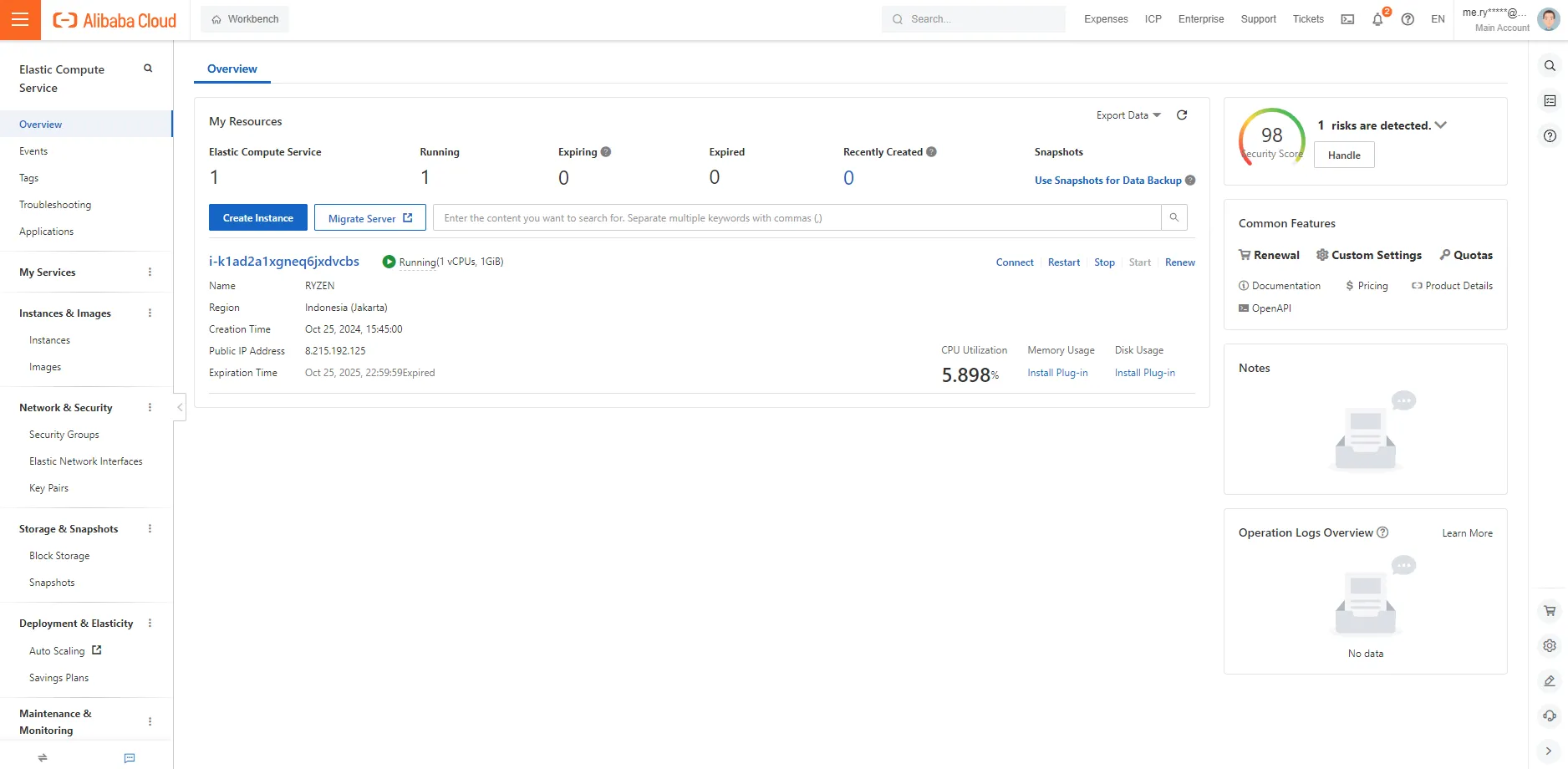
TIPif you wanna use ssh instead of Remote connection from alibaba you can use ssh
ssh root@your-public-ip
and then insert custom password you make on Logon Credential 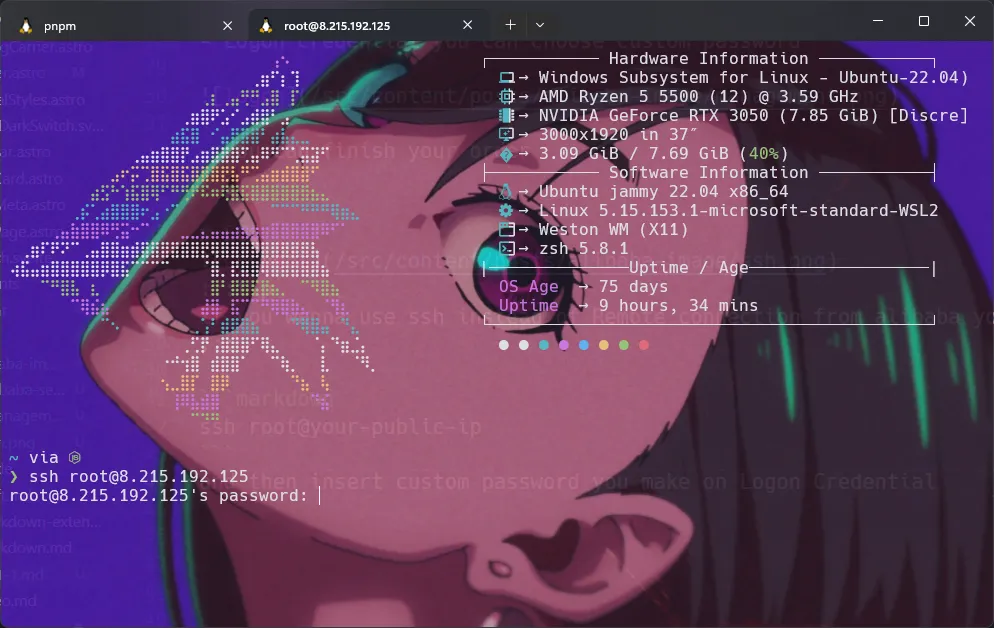
Use Terminal On alibaba cloud
- You can click Connect
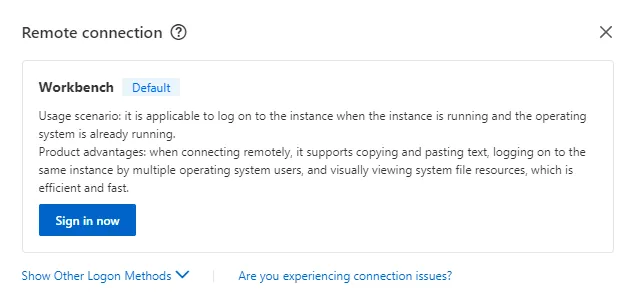
- Click Sign in now
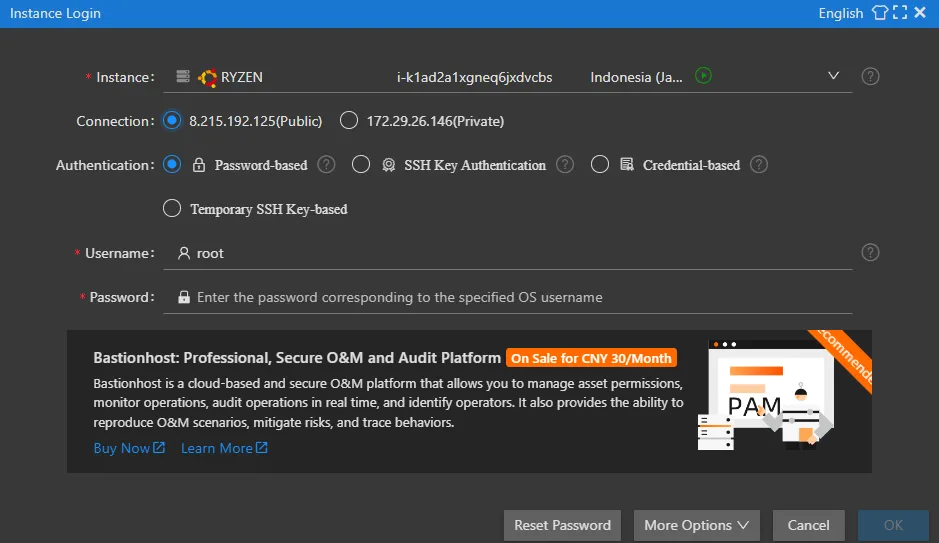
NOTEConnection use ip public
- and then insert your password
Terminal
first thing first you can update your ubuntu
apt-update
Install Nginx
installing nginx on your server
sudo apt install nginx -y
Uploading file to server
Uploading file or folder,i choose github because is familiar for me.
- installing git into your server
apt install git
- make a repository on your github
You can move into terminal and then copy this
cd /var/www/html
Clone your repository
git clone https://github.com/your/repository
Configure Nginx
- on your terminal type this
You can use Vim
vim /etc/nginx/sites-available/default
or Nano
nano /etc/nginx/sites-available/default
Configure using nano
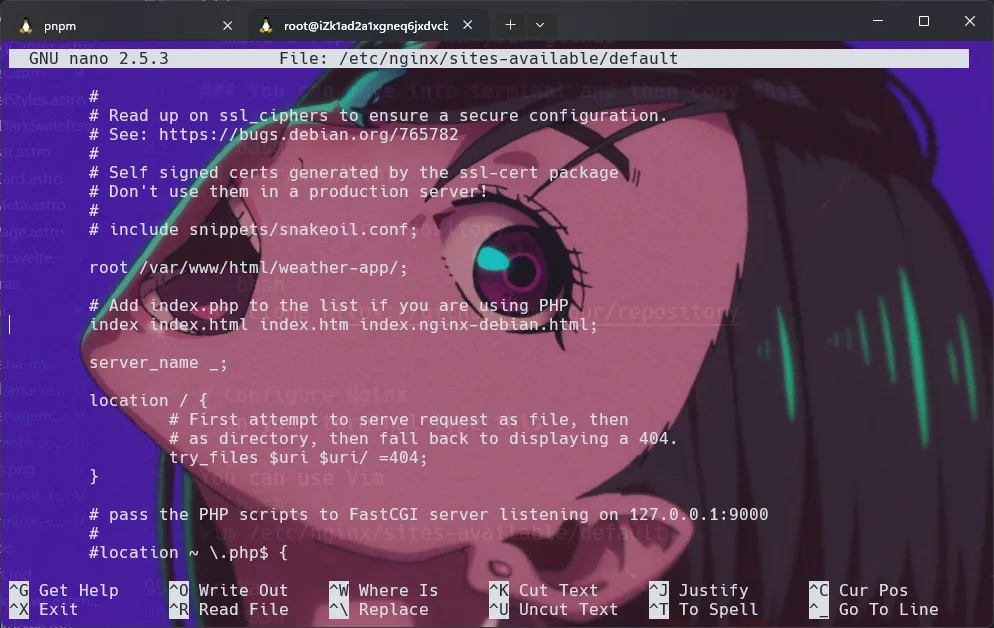
TIPUse your arrow key for move the cursor
on the config you can see root /var/www/html/yourprojectname;
and then Write Out by type combination CTRL + O 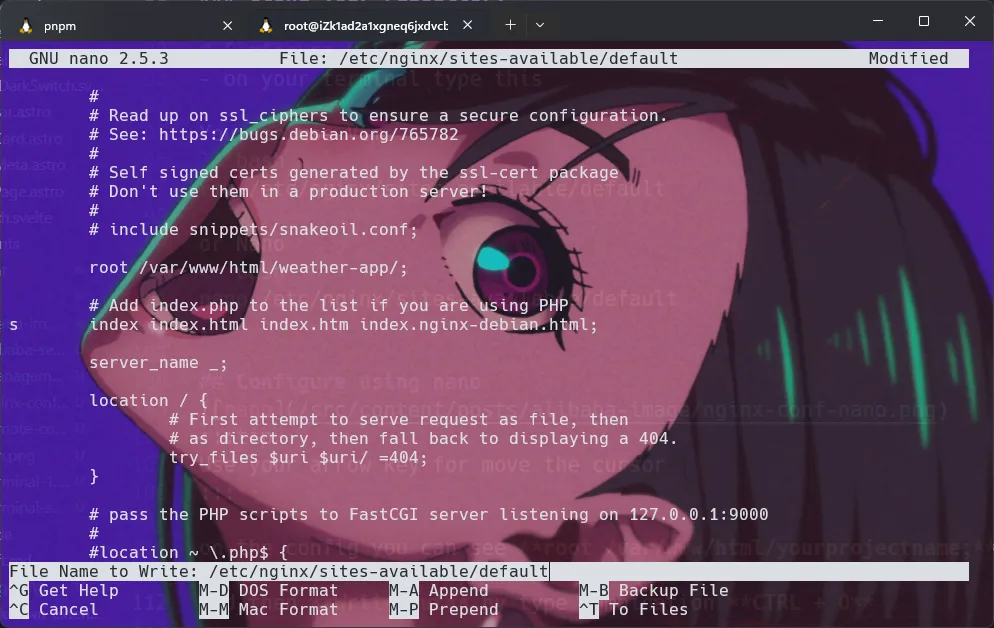 if you see this file name to write you can hit enter
To EXIT nano type Combination key CTRL + X
Restart Nginx
Restart Nginx by type this
sudo systemctl restart nginx
Accses The Website
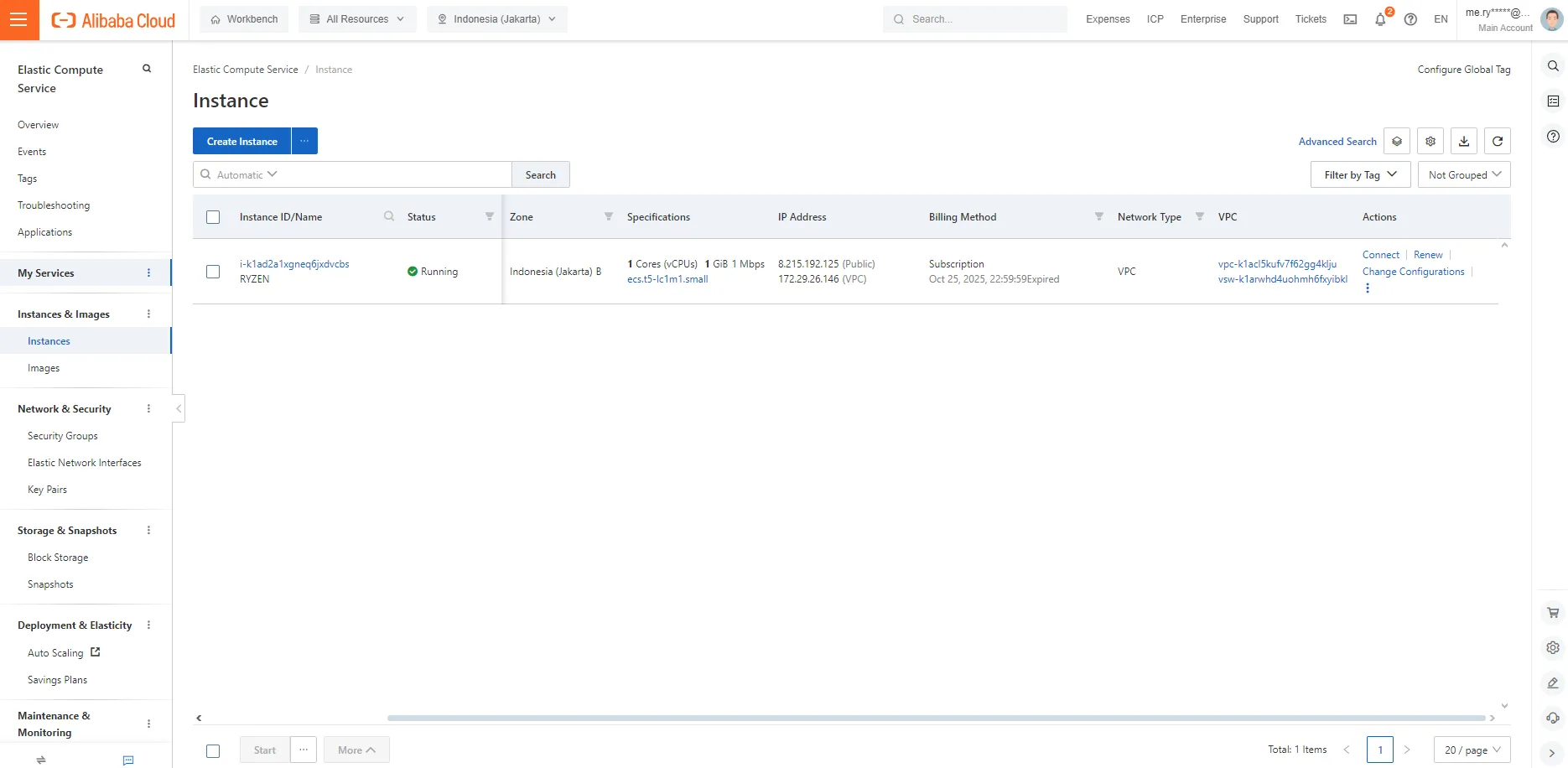 On instance you can copy the public ip into your search bar. congratulations your website running on alibaba cloud using ECS